



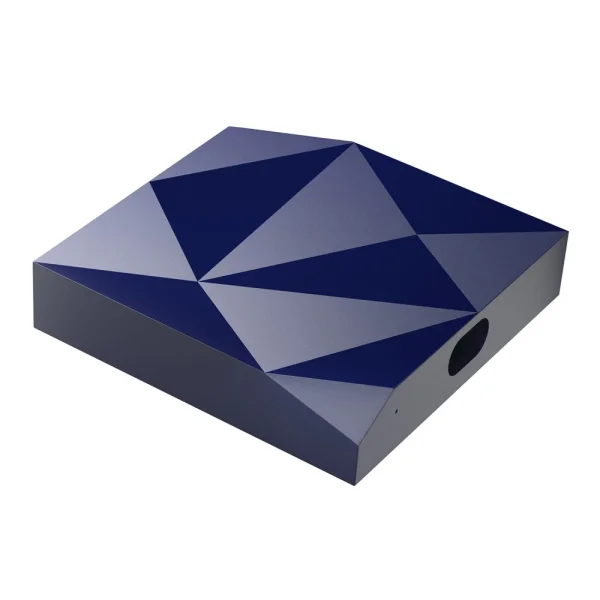
Wireless Carplay Android Auto Adapter CP-79, Blue
Арт. № 8652024
EAN
2023942725471
Color
Blue
- Product: A2Air Android Auto
- Model: CP-79
- Compatible: Android smartphones
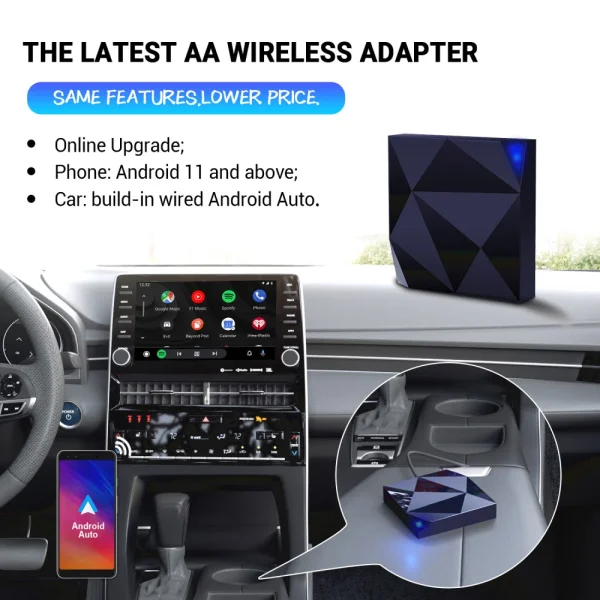
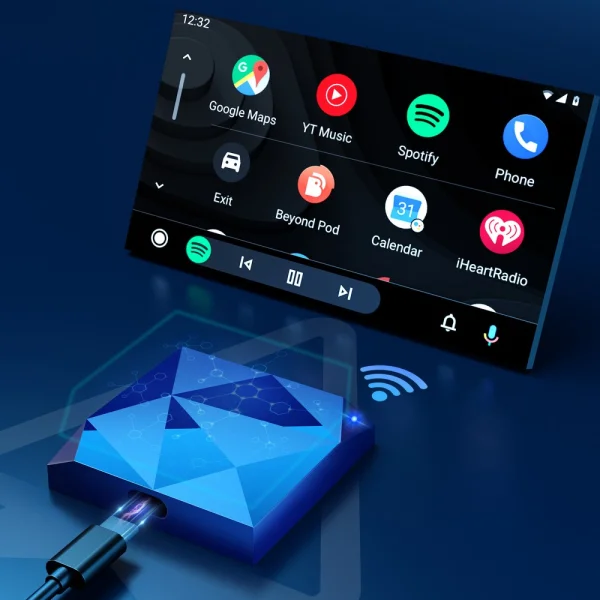
- Upgrade your Android Auto Wireless Auto Wireless: 2023 New A2Air Android Auto wireless adapter makes wireless Android Auto super easy!
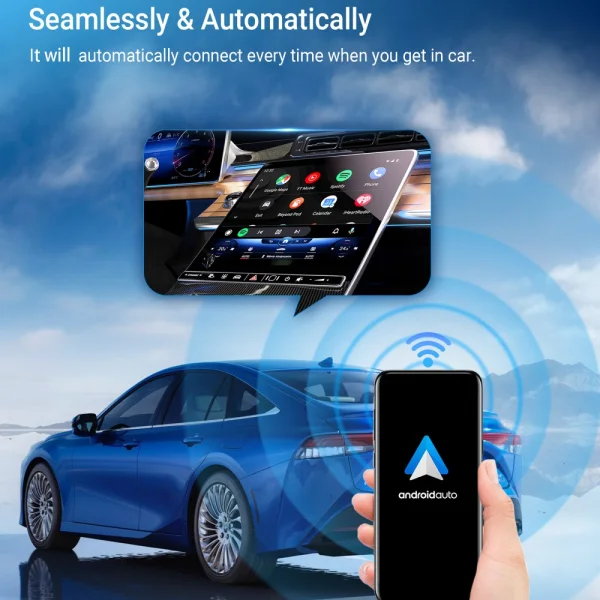
- If your car has wired Android Auto, you can use A2Air by connecting to the adapter's Bluetooth and WiFi.
- The device makes playing music, browsing, or making calls extremely easy.
- Once you connect the adapter, your smartphone will connect automatically.
- The A2air adapter has a built-in 5g chip with extremely high processing speeds and compatibility with similar 5ghz wifi speeds, allowing for a more stable connection and faster response, as well as reduced audio and video playback delays.
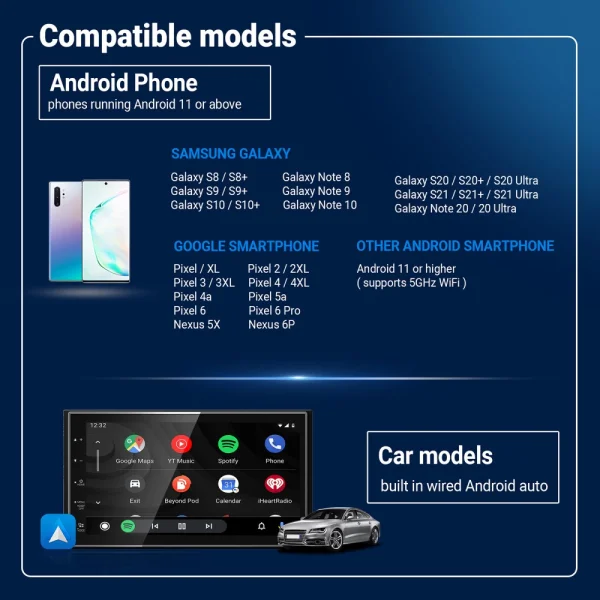
- 98% high compatibility: A2Air Android Auto wireless adapter is only available for cars with standard wired Android Auto and Android 10 and newer phones.
- Multi-functionality and excellent performance: Enjoy the fastest automatic and wireless Android Auto connection. Equipped with a 5GHz WiFi module for a faster and better experience. a2air automatically detects when you turn on your car's headlights to switch between day and night.
- While driving, it allows you to use Google Contactless, make voice calls, browse online, and listen to music. Connects automatically in 10 seconds and works perfectly
- Function: Convert OEM wired Android Auto to wireless Android Auto
- Input power: 5v+0.2v = 1.0a
- Output power: 5v+0.2v = 1.0a
- Connection: Wireless connection
- product size: 55.5 x 55 x 14 mm
- Compatible mobile phones: mobile phones with Android 10 system and newer
- Input device interface: Bluetooth, USB
- Connection technology: Wi-Fi
- Other display features: Wireless
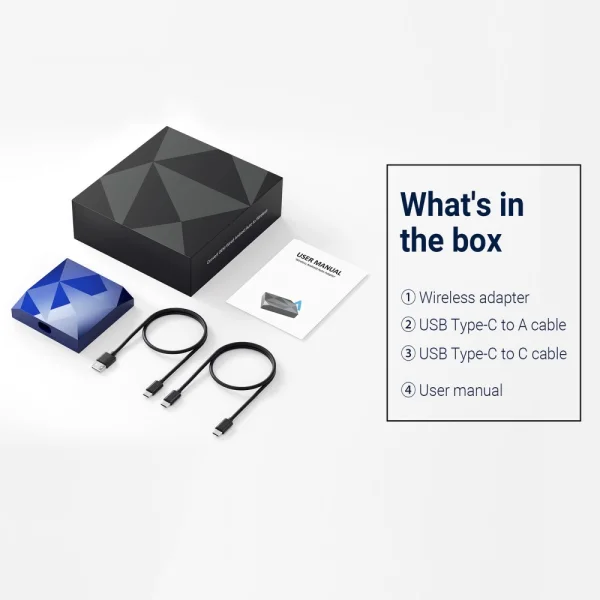
What's in the Box:
-1 x adapter
-1 x USB cable to USB-C
-1 x USB-C cable to USB-C
-1 x user manual
Installation:
Setting up wireless Android Auto connection
1.Install Android Auto on your smartphone, then enable [Wireless Android Auto] in the Android Auto app settings.
2. Pair your smartphone with the car's Bluetooth.
3.Plug the adapter into the Android Auto USB port of your vehicle.
4.Proceed to pair your smartphone with the adapter's Bluetooth: [AUTO-xxxx].
It will then connect wirelessly to Android Auto in a few seconds.
Firmware update
Firmware update is NOT recommended when every function is working well.
1.If you have connected to Android Auto wirelessly, first disable Bluetooth and forget the WiFi network
2.Join the adapter's WiFi network [AUTO-xxxx] again manually and the password is 88888888 (Tap YES if there is a pop-up notification for internet access).
3.Enter 192.168.1.101 in the smartphone browser, then tap "Switch to P2P"
4.On your phone go to WiFi >> Advanced settings >> WiFi direct, tap [AUTO-xxxx] and make sure it is connected
5.Enter 192.168.1.101 again in the smartphone browser, then tap "Update".
NOTE! The blue LED indicator will flash rapidly while updating. Wait another 30 seconds after the light stays on always, then unplug and plug the adapter back into the USB port to complete the entire update.
This device complies with Part 15 of the FCC Rules and does not cause harmful interference.
Price:
101.75 €
You might also like ...


Мнения
Все още няма мнения за този продукт. Бъдете първи!
 Wireless Carplay Android Auto Adapter CP-79, Blue
101.75 €