



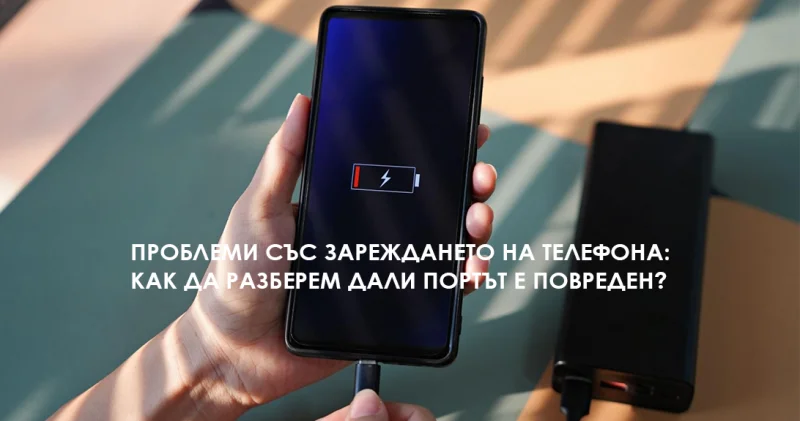
Has it ever happened to you that your phone is not charging normally? Sometimes instead of a constant charge, the device registers a connection for just a second, and in other cases, it does not respond at all. Such behavior can be due to a very minor issue, but it can also be a symptom of a more serious technical failure.
Here we will look at the most common causes of these problems, how to figure out if the culprit is the battery or the port, and in which situations repair is the best solution.
Most common reasons a phone won't charge
Power issues do not always mean your device is garbage. Often the cause is a minor detail that can be easily fixed. Here are the usual suspects:
- Broken or low-quality cable / charger.
- Accumulation of dirt in the charging port.
- Physical damage to the port itself.
- Worn out and depleted battery.
- System or software error.
Step 1: Test the cable and charger
Before you decide your port is broken, do the simplest test – change the cable and adapter. Even a minimal internal break (often caused by bending the cable) can cause the phone to interrupt charging. In many cases, simply buying a new, sturdy cable (preferably one with reinforced connectors) completely solves the problem.
Step 2: Check for debris in the port
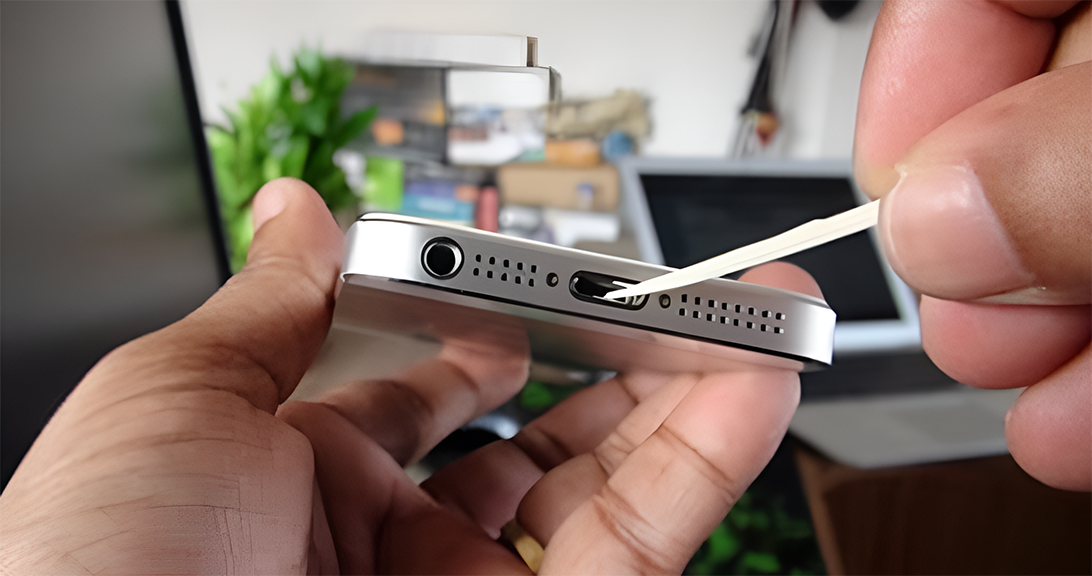
Carrying your phone in your pocket or bag every day leads to dust and lint accumulating in the charging port. If your phone only charges when you angle the cable a certain way, the port is most likely dirty.
- Carefully clean the port (without using sharp metal objects).
- Inspect it carefully for visible mechanical damage. If things return to normal after cleaning, the problem was minimal. If not – it is likely damage.
Symptoms of a damaged charging port
Dropping the phone, pulling the cable sharply, or simply years of use can damage the connector. Signs of this include:
- Noticeable looseness (the cable "plays" inside).
- Complete lack of response when plugged into the mains.
- Appearance of system error messages when trying to charge. In these cases, a professional inspection and repair at a service center is necessary, where technicians will replace the damaged component.
Could the problem be the battery?
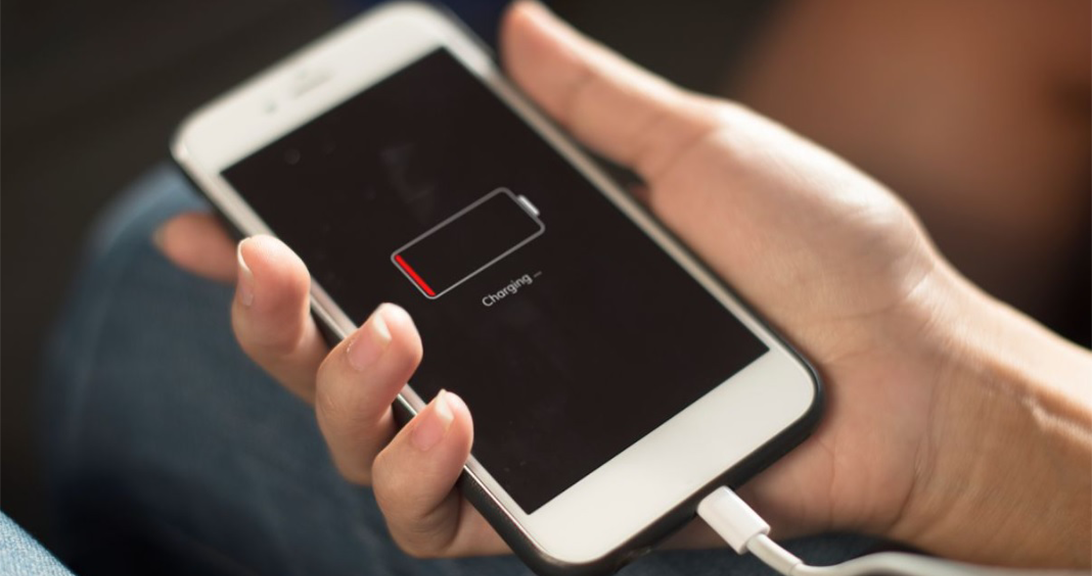
Sometimes the port is completely healthy, but the battery has lived its life. The degradation of its cells can be recognized by:
- Unusually short charging time.
- Sharp drops in percentages (e.g. from 40% dropping directly to 10%).
- Severe overheating during charging. If you notice these signs, it is probably time for a battery replacement.
Alternative methods and prevention
- Wireless charging: If your phone supports inductive (wireless) charging, this is a great alternative. It eliminates the need for the physical port and can serve both as a temporary salvation for a broken jack and as a long-term solution to reduce wear and tear.
- Magnetic adapters: This is a clever solution where a small tip stays permanently plugged into the phone's port, and the cable itself attaches to it magnetically. This protects the port from wear and tear and prevents future damage.
What to do if nothing works? (Summary)
If the phone doesn't respond at all, try restarting it (to rule out a software issue) and check with a different charger. If you have gone through the basic steps:
- Testing with a new cable
- Cleaning the port
- Trying wireless charging
...and the problem is still present, then the wisest step is to seek a professional service. They will make an accurate diagnosis of whether the port or the battery needs to be replaced.